Amazon rejected your product images. Again.
You spent hours photographing your products, uploaded everything, and now you’re staring at a rejection notice citing “non-compliant imagery.” Meanwhile, your competitor’s listing sits at the top of search results with crystal-clear photos that somehow passed review on the first try.
Here’s what nobody tells you: Amazon’s image requirements aren’t just about having a white background. The platform has specific technical specifications that can make or break your listing’s approval—and your conversion rate. After working with dozens of brands to create Amazon-compliant imagery, we’ve seen how the right approach to product photography can be the difference between a rejected listing and one that converts at 25% or higher.
This guide breaks down exactly what Amazon requires in 2025, how to shoot compliant images, and the technical specs that sellers often miss.
Understanding Amazon’s Core Image Requirements
Amazon‘s image guidelines exist for one reason: consistent shopping experience. When every listing follows the same basic rules, customers can compare products more easily, which increases confidence and sales. But these rules are stricter than most sellers realize.
The main image—your hero shot—carries the heaviest requirements. This is what appears in search results, and Amazon reviews it with particular scrutiny. Get this wrong, and your listing won’t even show up in customer searches.
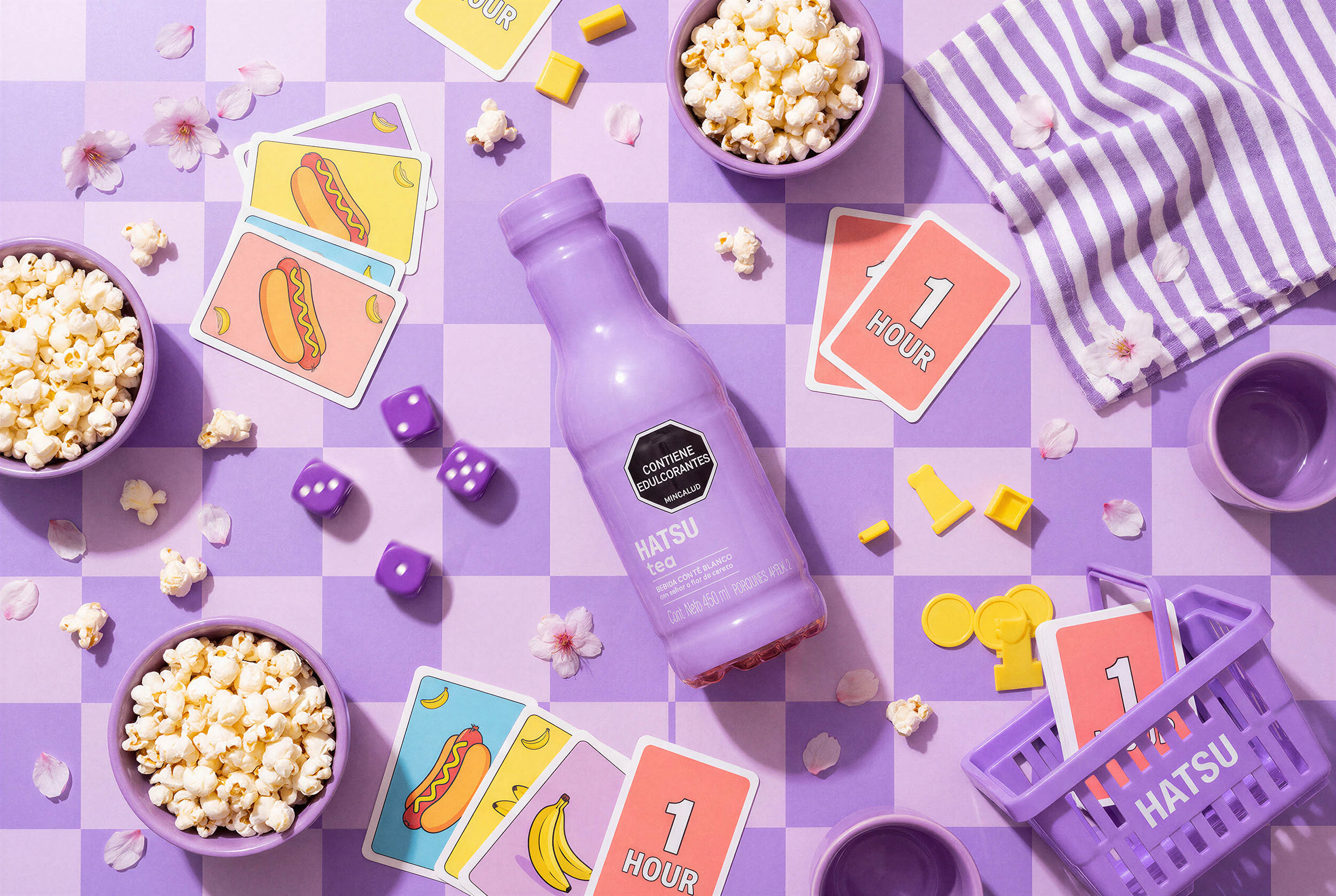
Your main image must show the actual product being sold. Sounds obvious, but we’ve seen sellers try to use lifestyle shots, illustrations, or composite images that Amazon immediately flags. The product needs to fill at least 85% of the frame, photographed against a pure white background (RGB 255, 255, 255—not off-white, not light gray, actual white).
No text, logos, watermarks, or graphics are allowed on the main image. We once worked with a spirits brand that spent weeks wondering why their listings kept getting rejected. The issue? A tiny embossed logo on their studio’s backdrop that was barely visible to the human eye but flagged by Amazon’s automated systems.
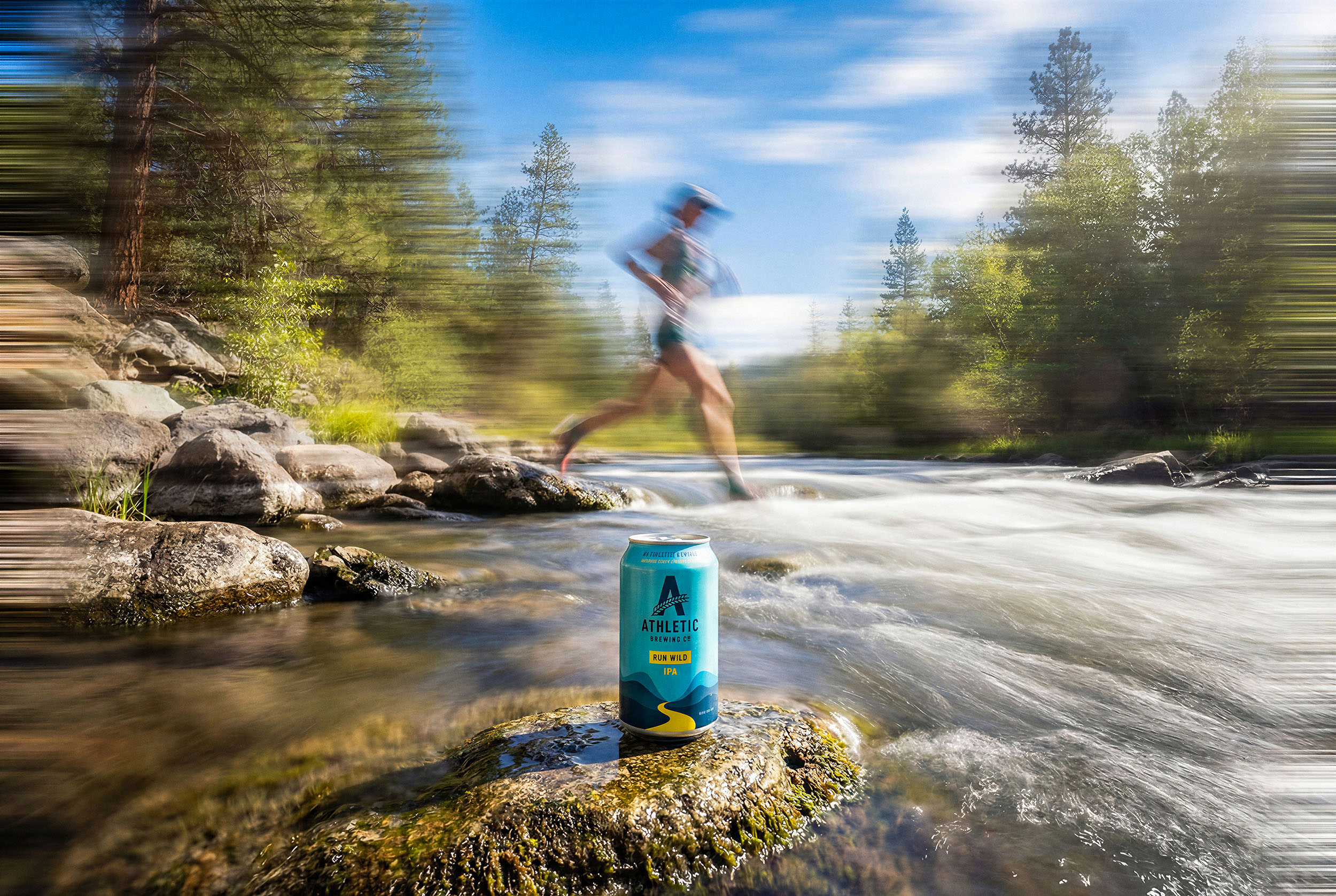
Secondary images have more flexibility. You can show the product in use, include dimension graphics, display multiple angles, or create lifestyle contexts. These images don’t need white backgrounds, though they still need to meet Amazon’s technical specifications.
Technical Specifications: Getting the Details Right
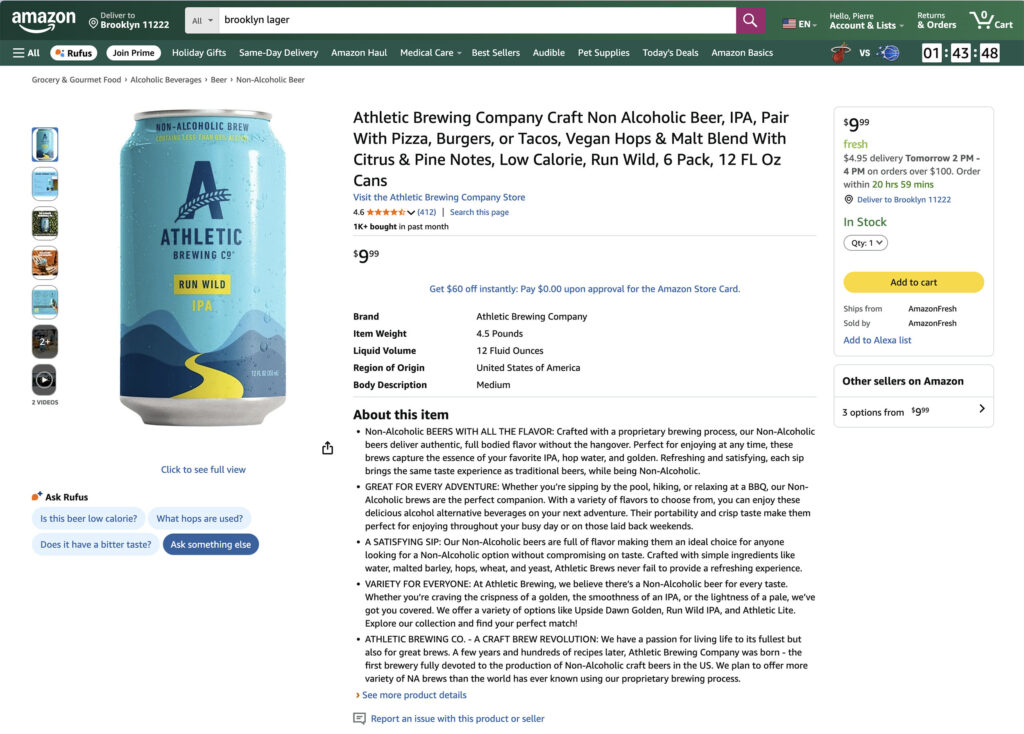
This is where most sellers run into trouble. Amazon’s technical requirements are precise, and their automated review system catches violations immediately.
Resolution and file size matter more than you’d think. Images must be at least 1000 pixels on the longest side, but Amazon recommends 2000 pixels or larger. Why? This enables the zoom function that customers use to examine product details. Higher resolution correlates directly with higher conversion rates—Amazon’s internal data shows that zoomable images increase sales by up to 30%.
The maximum file size is 10MB, but there’s a sweet spot around 2-3MB where you maintain quality without creating slow load times. We typically deliver images at 2500 pixels on the longest side, which provides excellent zoom capability while keeping files manageable.
Color space must be sRGB or CMYK. Most cameras default to sRGB, so this isn’t usually an issue, but if you’re working with professional editing software, double-check your color space before export. We’ve seen listings rejected because someone exported in Adobe RGB without realizing it.
Accepted file formats are JPEG, PNG, GIF, or TIFF. JPEG is the standard for product photography—it provides the best balance of quality and file size. PNG works well if you need transparency for certain composite shots, though Amazon typically requires filled backgrounds anyway.
The image name itself needs to follow Amazon’s convention: the product identifier (ASIN, UPC, EAN, or ISBN) followed by a period and the file extension. For secondary images, add a variant code: B00TEST123.MAIN.jpg for your main image, B00TEST123.PT01.jpg for your first secondary image, and so on.
The White Background Challenge
Achieving a truly compliant white background is harder than it looks. “White” isn’t subjective on Amazon—it’s measured in RGB values, and anything off by even a few points can trigger rejection.
Most sellers make one of three mistakes with backgrounds. First, they don’t use enough light, resulting in backgrounds that photograph as light gray rather than pure white. Second, they use textured or slightly colored backdrops that look white to the eye but aren’t RGB 255,255,255. Third, they try to “fix it in post” by cranking up the brightness, which creates either blown-out edges or an unnatural look that Amazon’s system flags.
The proper approach requires a dedicated white backdrop and lighting setup specifically configured for Amazon compliance. Professional studios like ours calibrate their equipment to hit exact RGB values, and we test every batch of images before delivery to ensure they pass Amazon’s automated checks.
If you’re shooting in-house, invest in a proper photography light box or sweep, use multiple light sources to eliminate shadows, and check your RGB values in Photoshop or similar software before uploading. The background should read exactly 255,255,255 across the entire frame.
Some categories have additional restrictions. Jewelry must be photographed on a white or transparent background with no shadows visible. Shoes must show one single shoe at a 45-degree angle for the main image. Apparel needs to show on a model or mannequin (not laid flat) for certain subcategories.
Product Presentation Rules
How you show your product matters as much as how you photograph it. Amazon has specific rules about product orientation, props, and what you can and cannot include in frame.
The product must be the focal point, occupying at least 85% of the image area. This doesn’t mean tight cropping with no context—it means the product fills the frame sufficiently that customers can clearly see what they’re buying. Leave some breathing room around the edges, but don’t show the product floating in a sea of white.
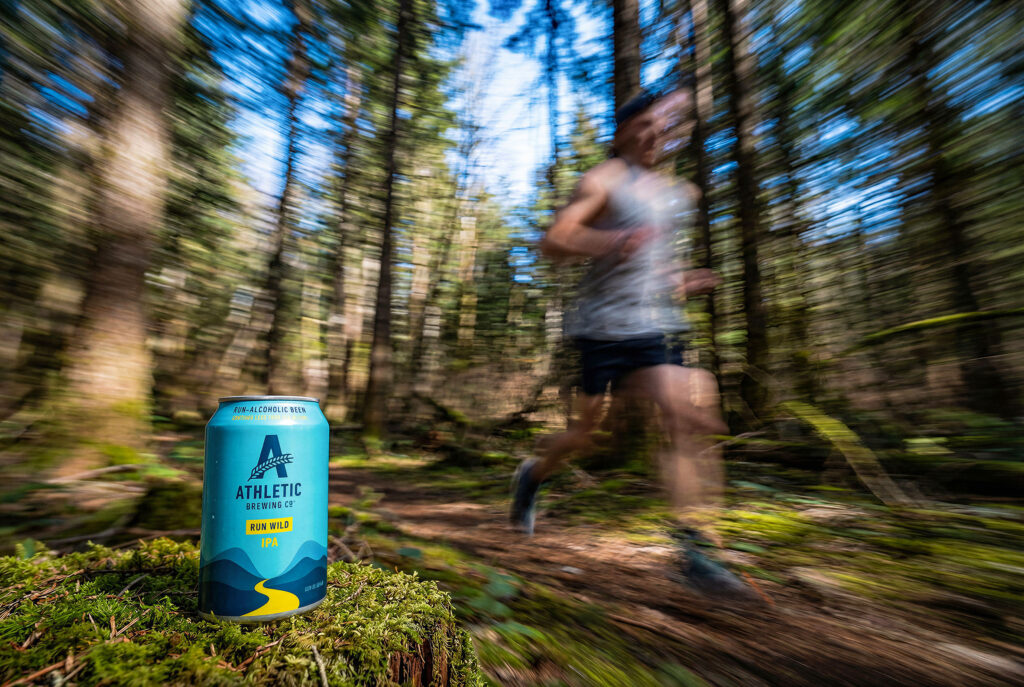
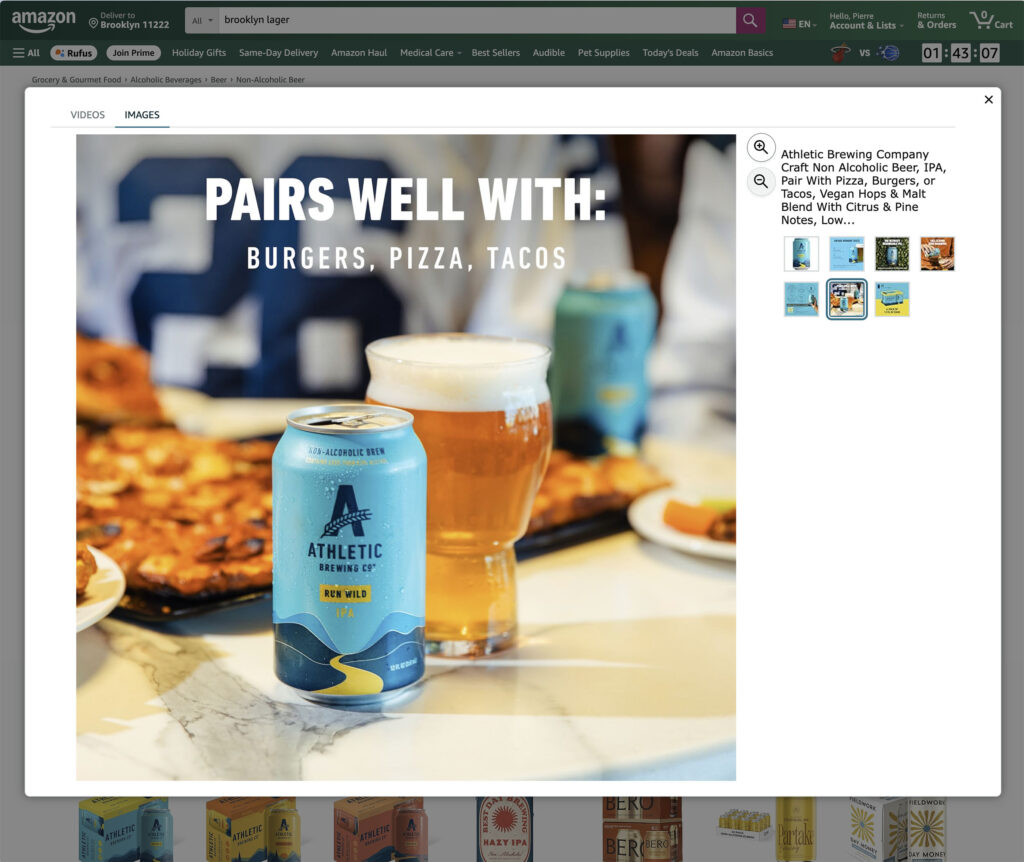
Props are prohibited in main images but allowed in secondary images with restrictions. You can show the product in use or demonstrate scale, but props shouldn’t distract from the actual product. If you’re selling a coffee maker, you can show it next to a cup in a lifestyle shot, but that cup shouldn’t dominate the frame.
Multiple angles matter for complex products. Electronics should show the front, back, and key features. Cosmetics need to display the front label, any secondary labeling, and the product texture or consistency if possible. Premium product photography creates consistent angles that help customers understand exactly what they’re buying.
For products with multiple components, show them together in the main image. If you’re selling a set of kitchen knives, display the complete set. The goal is to eliminate any confusion about what the customer receives when they click “buy.”
Creating Infographics and A+ Content
Secondary images give you space to tell your product’s story, and infographics have become essential for competitive listings. These aren’t just nice-to-have additions—they’re often the difference between a browser and a buyer.
An effective product infographic highlights key features, dimensions, materials, or usage instructions in a visually scannable format. The best ones follow a simple hierarchy: large, clear headline; supporting bullet points with icons; and professional product photography as the anchor.
Common mistakes include cramming too much text into one graphic, using fonts that are too small to read on mobile devices, and creating layouts that don’t align with Amazon’s overall aesthetic. Remember that most Amazon shopping happens on mobile devices—your infographics need to remain legible on a 6-inch screen.
A+ Content (formerly Enhanced Brand Content) takes this further for brand-registered sellers. You can create comparison charts, detailed feature explanations, lifestyle imagery, and brand storytelling that appears below the main product description. This real estate is valuable—Amazon’s data shows that A+ Content increases conversion rates by an average of 5-10%.
The technical requirements for infographics and A+ Content are the same as standard product images: minimum 1000 pixels on the longest side, maximum 10MB file size, and they must comply with Amazon’s content policies (no outrageous claims, no competitor comparisons, no prohibited imagery).
Category-Specific Requirements
Amazon applies additional rules based on product category, and these can catch sellers off guard if they’re not prepared.
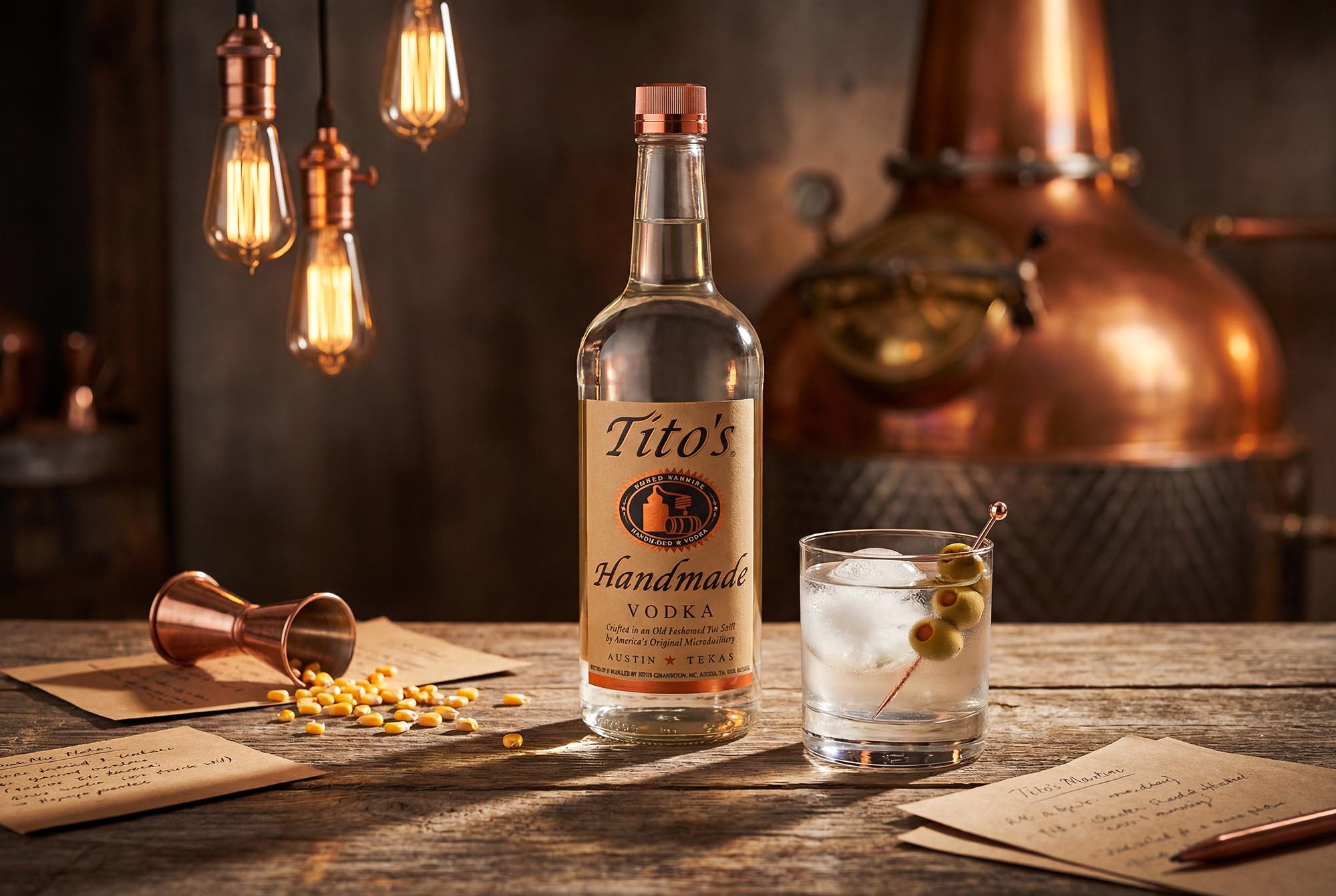
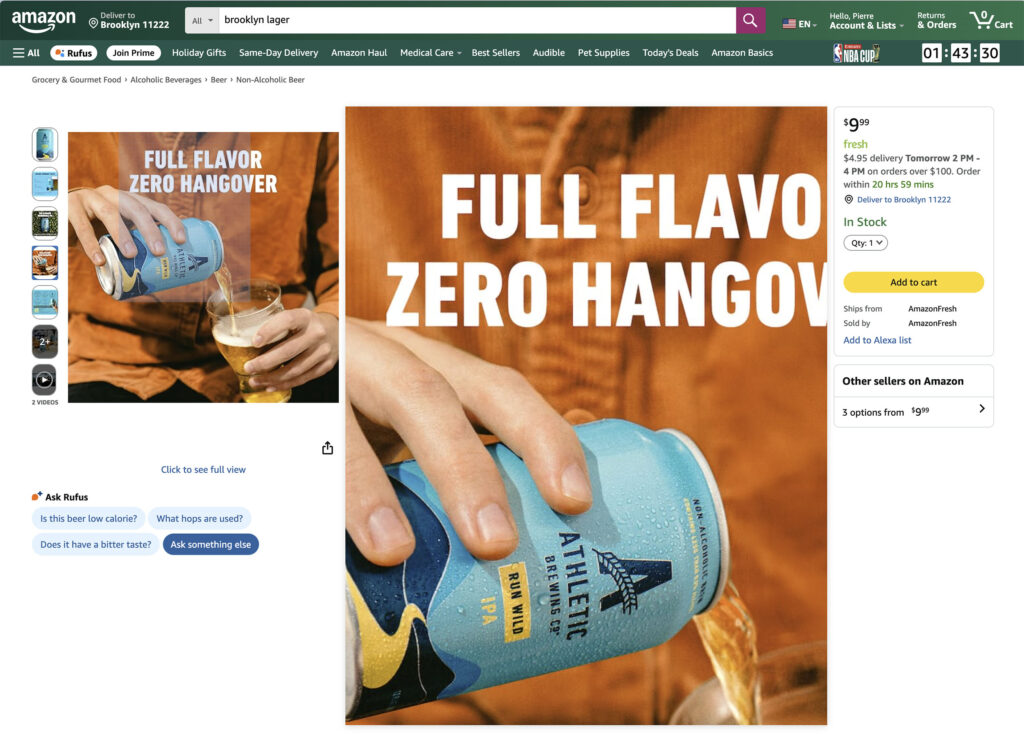
Spirits and alcoholic beverages have unique challenges. While Amazon doesn’t sell alcohol directly in most markets, they do allow certain products like bar accessories and non-alcoholic alternatives. If your product relates to alcohol consumption, you’ll need to be extra careful about imagery that implies alcohol use, particularly anything that could appeal to minors. We’ve worked extensively with luxury spirits brands on creating compliant imagery that maintains premium positioning while meeting platform requirements.
Cosmetics and beauty products must show the actual product packaging and formula. You can’t use heavily styled shots that misrepresent colors or textures. If you’re selling a lipstick, the color in the image needs to match the actual product shade. Skin tone diversity in lifestyle images is increasingly important—show your products on multiple skin tones to help customers visualize how they’ll work.
Fashion and accessories require model photography for most subcategories, but the model can’t be a distraction. No face shots for main images in most categories—Amazon wants the focus on the product, not the model. The approach we took for portfolio pieces shows how to create compelling fashion imagery that keeps products center stage.
Electronics need to show connectivity options, ports, and interfaces clearly. If your product has a screen, it should be powered on and displaying content (but avoid screens showing copyrighted material or competitor products). Show the scale by including common reference objects in secondary images.
Home and kitchen items benefit from showing the product in context. Your main image is still a white background shot, but secondary images should demonstrate use cases, show the product in a real kitchen or living space, and help customers understand size and proportion.
Common Rejection Reasons and How to Avoid Them
After handling hundreds of product photography projects, we’ve seen the same rejection reasons come up repeatedly. Most are preventable with the right approach from the start.
Poor image quality tops the list. Blurry photos, poor lighting that creates harsh shadows, or images that are simply too small to show product details will get rejected immediately. Amazon’s algorithms are sophisticated enough to detect quality issues automatically, and they’re getting stricter each year.
Background issues are the second most common problem. Off-white backgrounds, visible textures, shadows, or anything that isn’t pure RGB 255,255,255 white triggers rejections. Even subtle background patterns or gradients that look fine to the human eye will get flagged.
Product doesn’t fill frame causes rejections when sellers don’t understand the 85% rule. Your product needs to be the clear focal point. If there’s too much empty white space, Amazon sees it as non-compliant.
Prohibited elements include text overlays, borders, watermarks, promotional badges, or anything that isn’t the actual product. We’ve seen sellers add subtle corner logos or small text elements thinking they wouldn’t matter—they always get caught.
Color discrepancy becomes an issue when the photographed product doesn’t match the actual color due to poor color calibration. This leads to returns and negative reviews even if the image initially passes review.
Multiple products in frame violates rules when you’re selling a single unit but show multiples for visual interest. If you’re selling one bottle, show one bottle in your main image, not three.
The solution to most rejection issues is working with photographers who understand Amazon’s requirements intimately. The ROI of professional product photography becomes clear when you factor in the time and revenue lost to repeated rejections and resubmissions.
AI-Enhanced Photography and Amazon Compliance
The rise of AI in product photography creates both opportunities and challenges for Amazon compliance. Some sellers assume they can generate product images entirely through AI, but this approach carries significant risks.
Amazon’s policies require that images accurately represent the product being sold. Fully AI-generated images of products that don’t exist or that misrepresent actual product features violate these policies. We’ve seen sellers attempt to use AI-generated mockups before they have physical inventory, only to face account issues when Amazon discovers the discrepancy.
However, AI-enhanced photography is different. Starting with professional photographs of real products and using AI to optimize backgrounds, enhance details, or create compliant white backgrounds maintains accuracy while improving quality. This hybrid approach combines the authenticity Amazon requires with the efficiency and precision that AI provides.
The distinction matters. Generate a fake product image, and you risk account suspension. Use AI to enhance real product photography, and you can achieve better compliance rates while reducing costs. We use proprietary AI tools to ensure every image hits exact RGB values for backgrounds, maintains proper color accuracy, and meets technical specifications—but we always start with real product photography.
For sellers considering AI tools like Midjourney for product photography, understand where the tool fits in your workflow. AI excels at creating variations, optimizing existing images, and generating lifestyle contexts—not at replacing the need for authentic product photography.
The Compliance Checklist
Before uploading images to Amazon, run through this checklist:
Main Image Requirements:
- Pure white background (RGB 255, 255, 255)
- Product fills 85% or more of frame
- No text, logos, or graphics
- Product in focus with professional lighting
- Minimum 1000 pixels on longest side (2000+ recommended)
- Correct file naming convention
- sRGB color space
- Actual product being sold (not mockup or illustration)
Technical Specifications:
- File size under 10MB
- JPEG or PNG format
- Proper resolution for zoom function
- No blurriness or pixelation
- Accurate color representation
Secondary Images:
- Showcase different angles
- Include scale reference if helpful
- Show product in use (where applicable)
- Infographics are clear and readable on mobile
- Comply with category-specific rules
Category-Specific Checks:
- Follow any additional rules for your category
- Verify model photography requirements if applicable
- Confirm no prohibited imagery for restricted categories
Getting Amazon-Ready Images Without the Hassle
Understanding Amazon’s requirements is one thing. Consistently producing compliant images at scale is another challenge entirely.
Traditional product photography for Amazon compliance typically requires specialized equipment, controlled lighting, and post-production expertise to hit exact technical specifications. Brands often discover this after attempting in-house photography that results in repeated rejections and delayed launches.
At Chronos Studio, we’ve streamlined the entire process. Our approach combines professional photography expertise with AI-enhanced post-production specifically calibrated for Amazon’s requirements. Every image we deliver is guaranteed to pass Amazon’s compliance checks on first submission—or we redo it at no charge.
We handle everything from product photography to background optimization, multi-format adaptation, and even infographic creation. Most importantly, we deliver images within 48-72 hours, not the weeks that traditional studios require. This speed matters when you’re launching new products or refreshing underperforming listings.
Our Amazon-compliant packages start with understanding your specific category requirements, then delivering exactly what you need: main image plus secondary angles, infographics showing key features, lifestyle contexts that convert browsers to buyers, and A+ Content assets if you’re brand registered.
The pricing reflects our efficient workflow—typically 70-80% less than traditional studio shoots while maintaining premium quality that luxury brands expect. We’ve delivered Amazon-ready imagery for hundreds of products across spirits, cosmetics, fashion, and more.
What Happens After Your Images Are Compliant
Compliance is the baseline. The real goal is conversion, and that’s where thoughtful product photography separates successful listings from mediocre ones.
Amazon’s algorithm favors listings with high conversion rates. When customers click your listing and buy, Amazon shows your product to more people. When they click and bounce, your ranking drops. Product photography directly influences this cycle.
Zoom-enabled images increase conversion by letting customers examine details. Multiple angles reduce uncertainty about what they’re buying. Lifestyle images help them visualize using your product. Infographics answer questions before they’re asked. Each element works together to build confidence that clicking “buy” is the right decision.
The best Amazon listings treat product photography as an investment in conversion optimization, not just a compliance requirement. They test different lifestyle contexts, try various infographic layouts, and continuously refine their imagery based on performance data.
We track how our product photography performs for clients, and the data consistently shows that premium, well-planned imagery outperforms rushed or DIY solutions. The difference shows up in conversion rates, review quality, and overall sales velocity.
Ready to Get Amazon-Compliant Images?
Stop fighting with Amazon’s rejection notices. Our Amazon-compliant photography package gets your listings approved on first submission while creating images that actually convert browsers into buyers.
Here’s what you get:
- Main image guaranteed to pass Amazon compliance checks
- 5-7 secondary images showing multiple angles and contexts
- 2-3 infographics highlighting key features
- Multi-format optimization for all image slots
- 48-72 hour delivery
- Unlimited Amazon-specific revisions until approved
- Full usage rights
We’ve delivered compliance-ready imagery for brands in spirits, cosmetics, fashion, and beyond. Whether you need 10 images for a single product or 1000 images for an entire catalog, we scale to your needs while maintaining consistent quality.
Contact us for Amazon-ready images guaranteed to pass review, or schedule a consultation to discuss your specific requirements. Let’s get your listings live and converting.