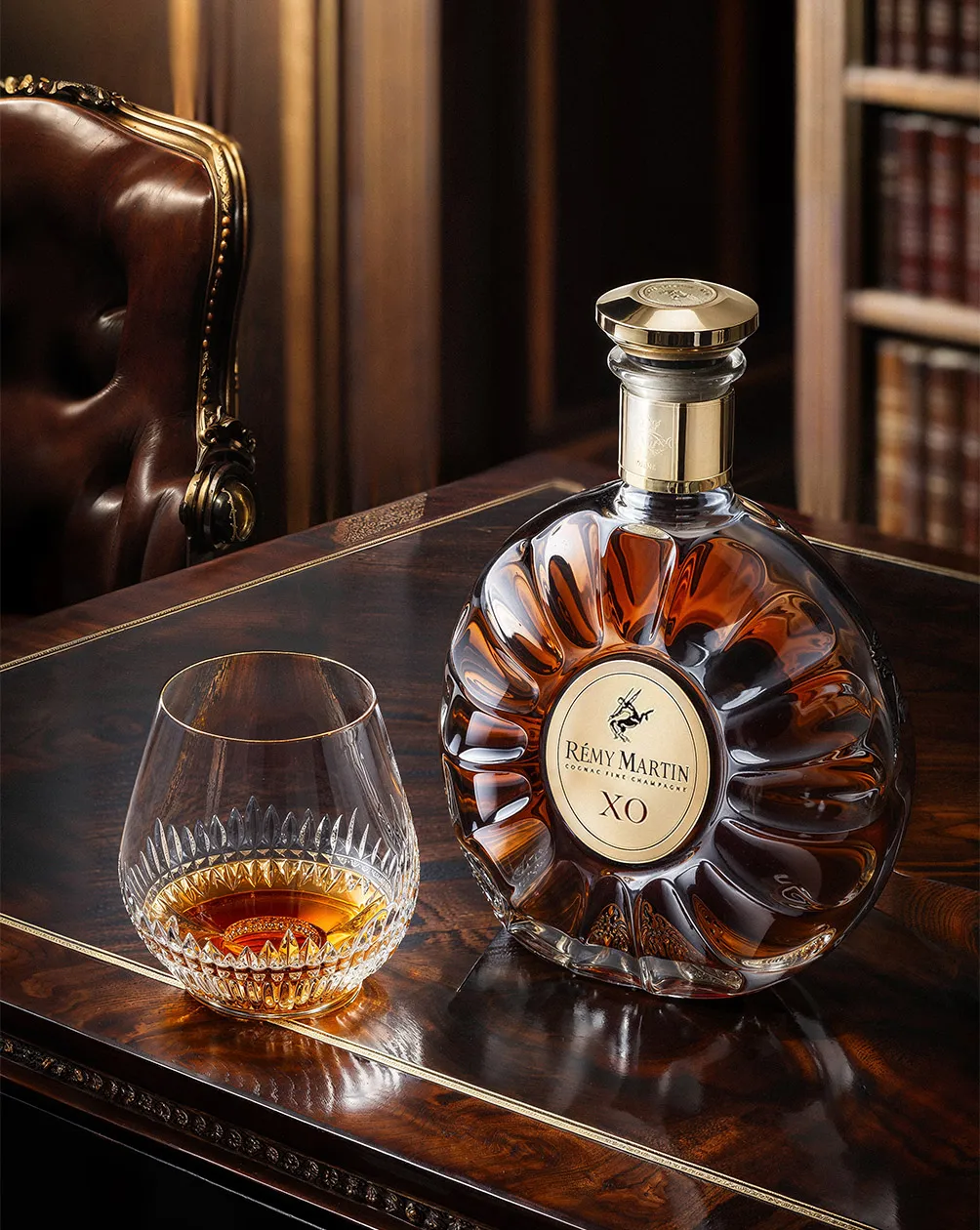
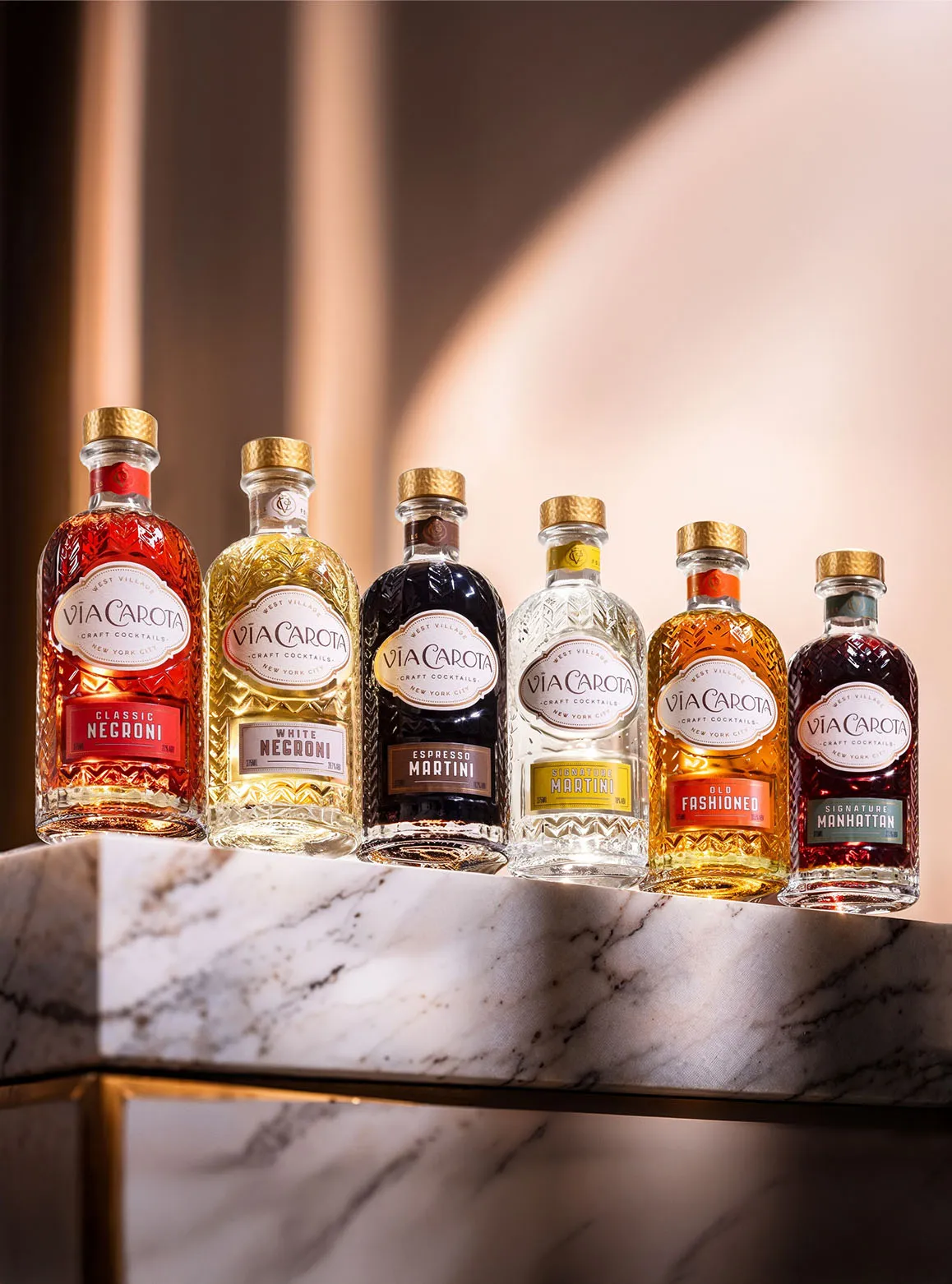
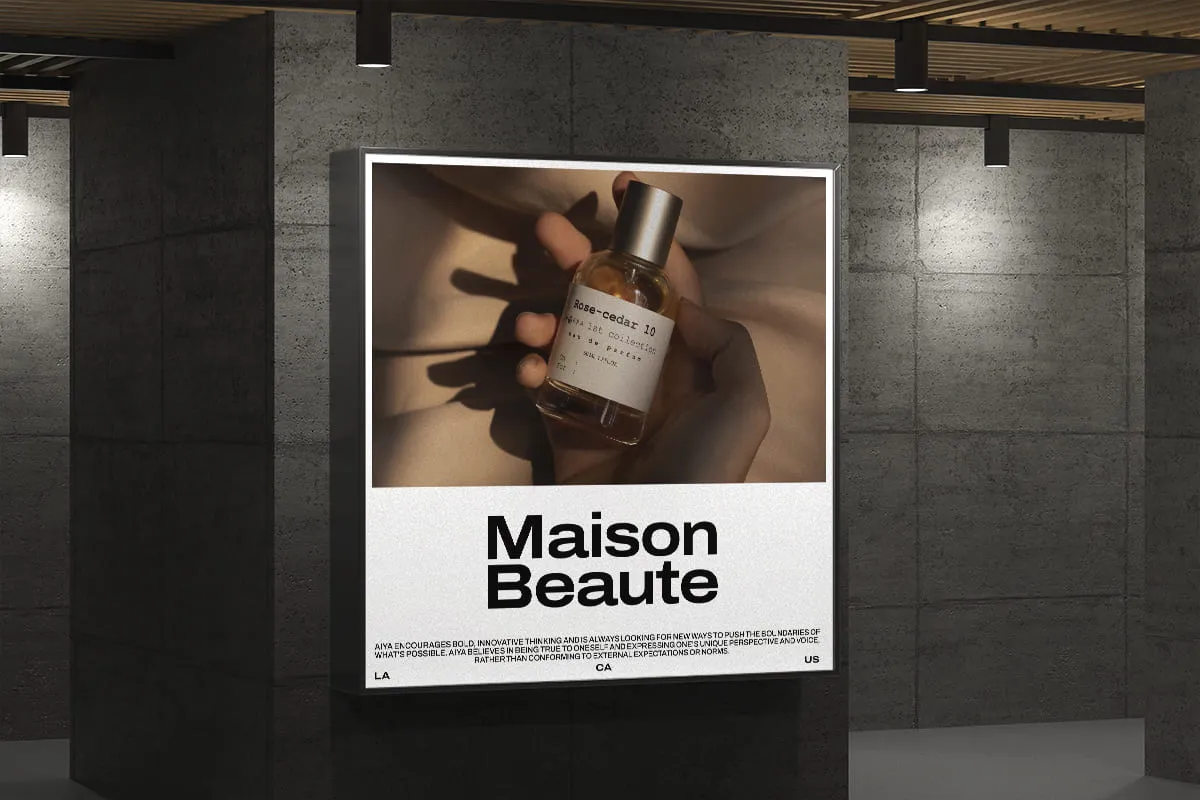
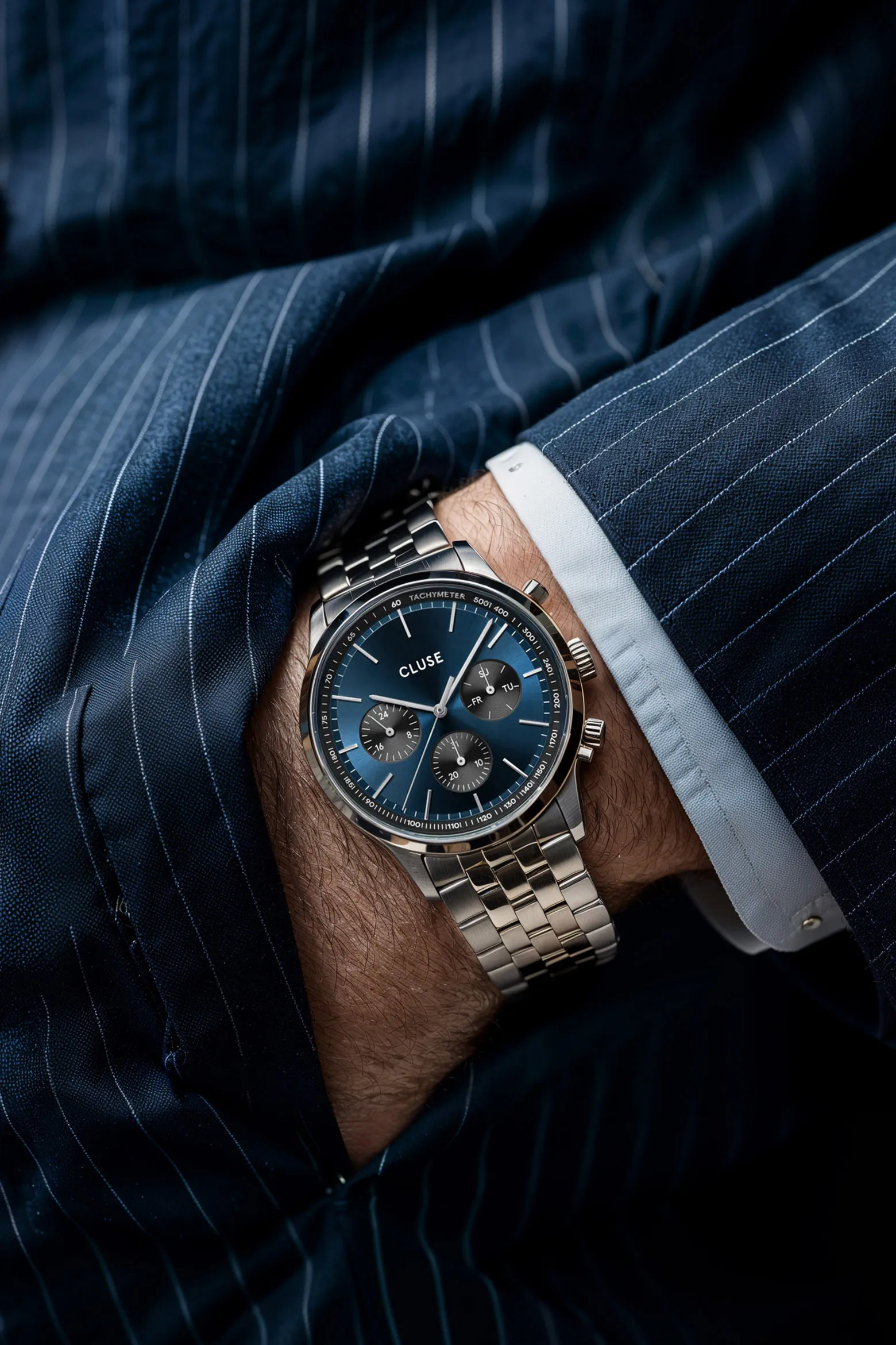
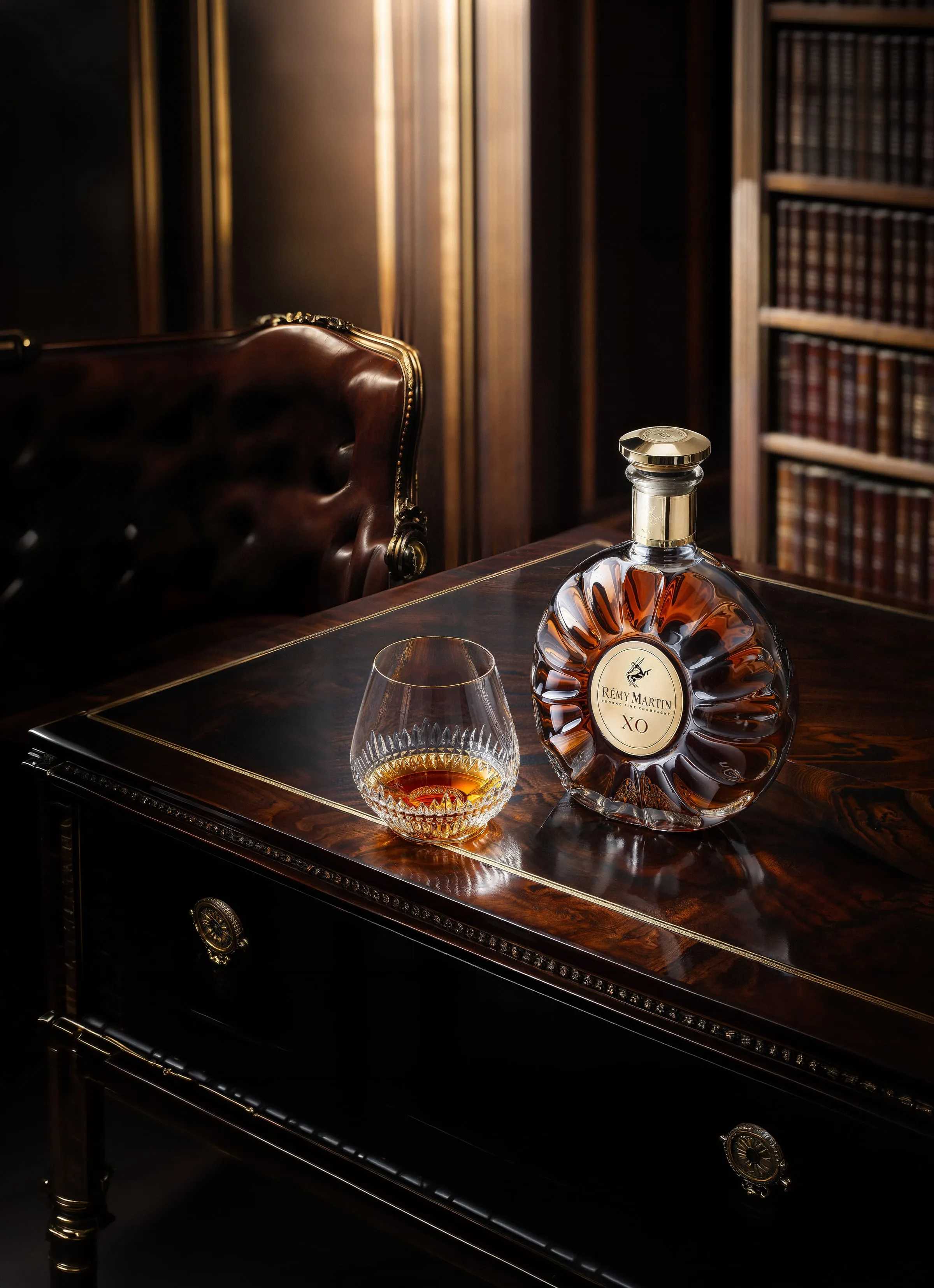
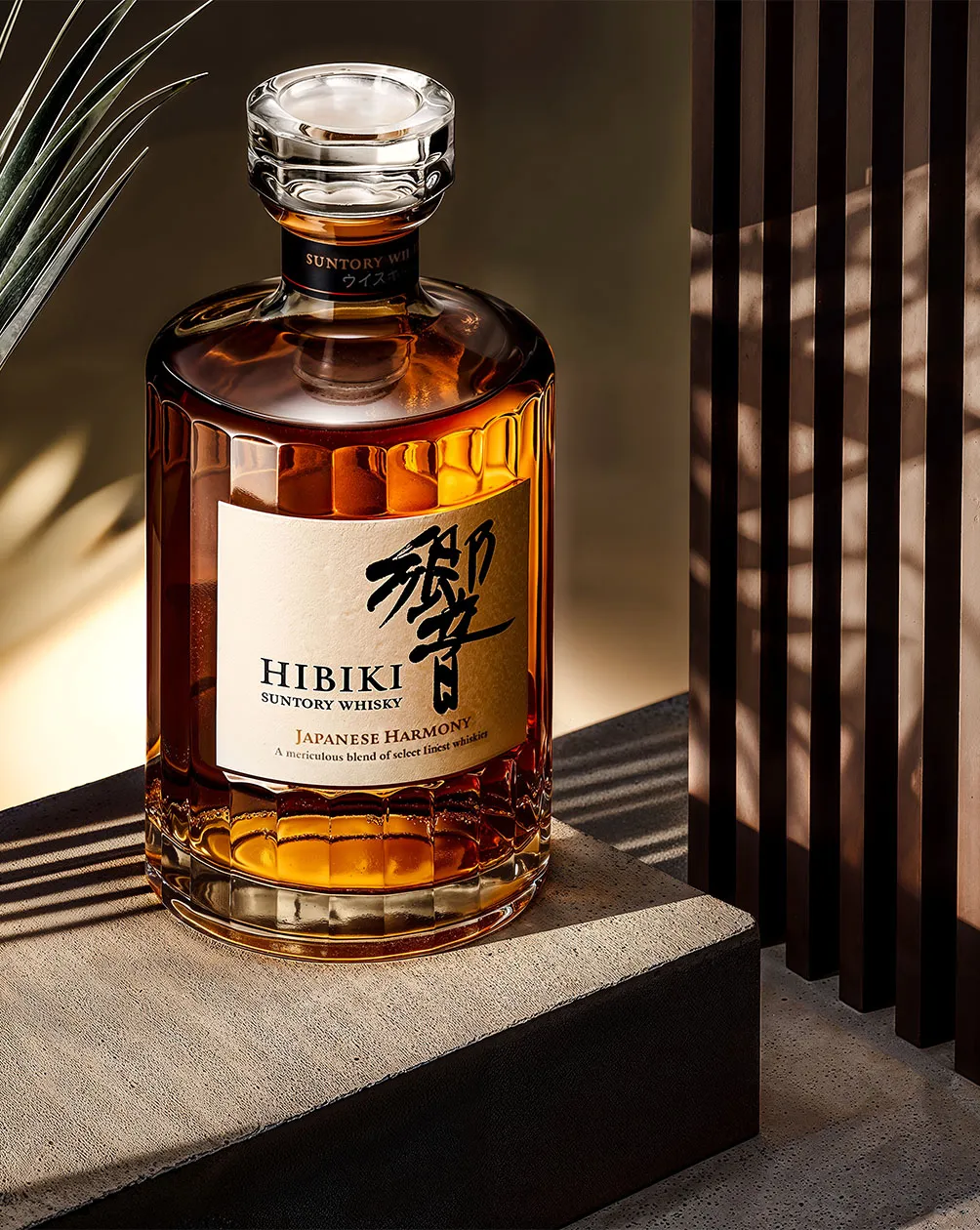
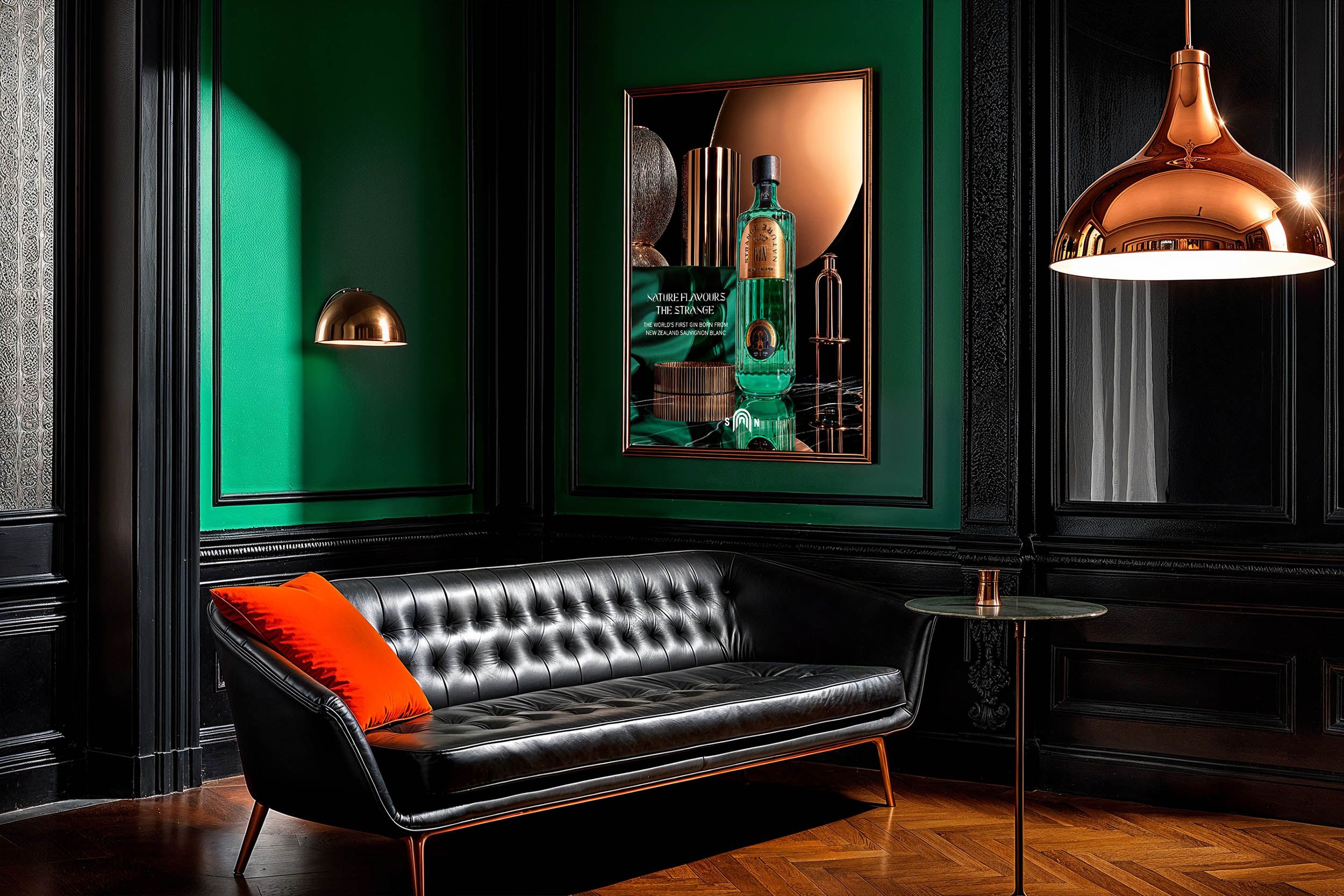
AI product photography is the practice of producing commercial product images with generative AI — either by enhancing real photographs of a product or by generating new scenes, lighting and compositions around it — instead of staging a traditional studio shoot for every image.
In practice, the term covers a wide spectrum. At one end sit one-click DIY tools that drop a product onto an AI background in seconds. At the other end sits studio-grade work, where a human art director controls the lens, the light, the surface and the mood, and the AI is one instrument in a much longer craft process. Both are "AI product photography." Only the second consistently meets the standards a premium brand can put its name to. This guide walks through the whole spectrum — what it is, how it works, what it costs, where it still falls short, and how to tell good work from a volume mill.
What is AI product photography?
AI product photography is the use of generative AI to create or enhance commercial product images without capturing every scene through a camera in a physical studio. Rather than building a set, lighting it, shipping the product to a photographer and shooting it, you supply the product — as a reference image or, in some workflows, as a physical sample — and generative models produce photorealistic imagery of that product in art-directed environments.
What makes the current generation different from earlier "photo editing" is that the AI understands the whole scene. It doesn't just cut out a product and paste it on a new background. It reasons about depth, perspective, surface, reflection and colour temperature, so the product and its environment share the same physics — the same light falling from the same direction, the same shadows, the same warmth or coolness across the frame. The result is an image that was never taken in a studio but reads as though it were.
Two things follow from that definition, and they're the source of most confusion in the market:
The term spans a huge quality range. The same three words describe a $9/month app that turns a phone snapshot into a passable listing image, and a studio producing a spirits campaign shot for a global brand. Neither is "wrong" to call itself AI product photography. But a buyer who judges the category by the app will underestimate what it can do, and a buyer who judges it by the campaign will overpay for the app.
The AI is a tool, not the author. In serious work, the interesting decisions — what the picture is of, why it's lit that way, what it should make you feel — are made by a person. The model executes. That's why the best AI product photography doesn't look like "AI"; it looks like photography, because it's directed like photography.
How it actually works
Most people picture a single model that "makes the picture." In reality, professional AI product imagery is a pipeline — several systems and several rounds of human judgement in sequence. A simplified version looks like this:
1. Input and intent. You start from the real product and a creative brief: the mood, the environment, the brand codes, the format the image has to fill. The product reference is what anchors everything that follows — the model has to reproduce this bottle, this label, this cap, not a plausible-looking one.
2. Scene planning. A vision or language model reads the product and the brief and decides the shape of the shot: environment, camera angle, lighting direction, surfaces, props, colour story. In a DIY tool this is automatic and generic. In a studio, this is where an art director does most of the actual work — the model proposes, a human disposes.
3. Generation or enhancement. A diffusion model produces the image. It either generates a new scene around the product (AI-generated) or extends and relights an existing photograph (AI-enhanced). Diffusion models don't "draw" — they start from noise and refine it across many steps, guided by the brief and the product's visual features, until a coherent photograph emerges. Because they were trained on millions of real photographs, the behaviour of light, shadow and reflection is baked in.
4. Direction and iteration. The first output is a draft, not a delivery. This is where craft compounds: adjusting composition, fixing where the model drifted from the reference, pushing the light, protecting the label. Good studios treat generation as the start of the work, not the end of it.
5. Retouching and QC. A human retoucher verifies product fidelity — colour accuracy, logo and typography integrity, material realism, proportions — and finishes the image to a print- and campaign-ready standard.
6. Multi-format delivery. The final image is adapted to the aspect ratios and resolutions each channel needs, from e-commerce thumbnails to billboards.
If you want the version of this that's specific to how we work, we've written it up separately: How we use AI at Chronos Studio.
AI-generated vs AI-enhanced
This is the single most useful distinction to understand, so it's worth being precise:
- AI-enhanced starts from a real photograph of your product. The AI extends the frame, changes or relights the environment, and refines the image — but the product itself came through a lens. Fidelity is highest here, because the product is real.
- AI-generated builds a new scene around a product reference. There's more creative freedom and no physical shoot at all, but more responsibility falls on direction and QC to keep the product true.
Neither is "better" in the abstract — they suit different jobs, budgets and fidelity requirements. Choosing the wrong one is how brands end up with images that look great and misrepresent the product. We break the trade-offs down in detail here: AI-Generated vs AI-Enhanced Product Photography.
DIY tools vs professional AI studios
Because "AI product photography" covers both ends of the market, the honest comparison isn't AI vs traditional — it's DIY tools vs directed studio work.
| DIY AI tools | Professional AI studio | |
|---|---|---|
| Creative direction | Automated, generic presets | Human art director, brand-specific |
| Product fidelity | Best-effort; labels and logos often drift | Verified; label, logo and colour integrity protected |
| Colour accuracy | Approximate | Matched to brand references |
| Resolution / print | Web-only in most cases | Campaign- and print-ready |
| Catalogue consistency | Hard to hold across many SKUs | Managed as a system |
| Licensing | Varies, often limited | Full commercial license |
| Best for | Marketplace listings, quick tests, small catalogues | Campaigns, luxury, brand-defining imagery |
| Cost | A few dollars a month | Project or retainer pricing |
DIY tools are genuinely good at what they're for: getting a small seller from a blank listing to a clean, on-brand image, fast and cheap. They struggle exactly where premium brands can't compromise — holding a logo perfectly legible, matching an exact packaging colour, keeping a look consistent across a hundred products, and delivering at the resolution a print campaign demands.
The reason isn't that the underlying models differ much. It's that the app removes the human from the loop to keep the price at a few dollars, and the studio puts the human back in the loop because that's what campaign quality costs.
What it's used for
The strongest use cases share a common trait: they'd be slow, expensive or impossible to do with physical shoots alone.
- Large catalogues. Brands with hundreds or thousands of SKUs turn a recurring photoshoot cost into a predictable, scalable workflow. More on the economics.
- Campaigns and lifestyle scenes. Art-directed environments — a spirit on a marble bar at golden hour, a watch against green silk — without booking locations, models and props.
- Seasonal and variation work. New backdrops for holidays, launches or A/B tests, generated in a day instead of reshooting. Q4 planning for luxury brands.
- Pre-launch imagery. Marketing visuals before physical stock exists, so launches and pre-orders aren't gated by production.
- Multi-channel adaptation. One creative direction, delivered in every aspect ratio and resolution each platform requires, including marketplace compliance like Amazon's.
Quality and limitations
AI product photography is good enough for premium work today — but only because professionals compensate for where the technology still fails. Being honest about the failure modes is how you tell a serious provider from a hopeful one.
Where AI still struggles:
- Text on packaging. Labels, logos and small typography are where models drift most. On a luxury product, an almost-right label is a rejected image. Protecting label integrity is a core part of professional QC, not an afterthought.
- Exact colour. Getting an image "roughly the right red" is easy; matching a brand's precise packaging colour across a whole set is not. It takes deliberate matching.
- Reflections and caustics. Glass, liquid, metal and gloss — the entire vocabulary of spirits, beauty and accessories — are the hardest surfaces to render convincingly. Water movement and hard specular shadows drift most and need extra iteration.
- Fine structural detail. Hands, intricate mechanisms and very fine textures can still be hallucinated and need correction.
None of this makes AI unusable for premium brands. It makes direction and retouching non-negotiable. The difference between an image that sells a $200 bottle and one that undermines it is almost always in the finishing, not the first generation. If it misrepresents the product, it drives returns and erodes trust — accuracy comes before flourish, every time.
For a category where this is especially unforgiving, see our breakdown of how to photograph dark spirits.
Does it replace product photographers?
No — it replaces the shoot, not the photographer. The skills that made a photograph good — composition, lighting, an eye for what a brand should feel like, the judgement to know when an image is wrong — are exactly the skills that make an AI image good. The tools changed; the craft didn't.
What actually changes is what a photographer or art director spends their day doing: less time on logistics and set-building, more time on direction, iteration and finishing. The people who thrive are the ones who treat AI as a new instrument rather than a threat. We argue this in full here: Can AI Replace Product Photographers?
How much does it cost?
Here's the counter-intuitive truth: the AI generation is the cheapest line on the invoice. The models are close to free. The savings in AI product photography don't come from the AI — they come from eliminating the physical overhead: the studio rental, the crew, the equipment, the product shipping, the set build, the location fees. A traditional premium shoot can run $5,000+ per day before anyone touches a camera. AI removes that layer, which is where cost reductions of around 80% versus traditional production come from.
What you're paying for, then, isn't the generation. It's the direction, the fidelity work and the finishing — the expertise that turns a raw output into something a brand can publish. That's why the cheapest options and the campaign-grade options can both be "AI," yet cost two orders of magnitude apart. (Our own grid is public, from a $490 pilot to monthly retainers.)
We've documented the real numbers in two places: a full breakdown of what product photography costs in 2026, and specifically what you're actually paying for when the tools are free.
Do you own the images?
For commercial use, licensing matters as much as quality. With a professional studio you should expect a full commercial license — the right to use the imagery across every channel, worldwide, without per-use royalties or expiry. That's the standard we deliver: an unlimited commercial license on every image.
DIY tools vary widely here, and the terms are often buried. Before you build a campaign on any AI imagery, confirm three things: that you can use it commercially, that you can use it everywhere you need to, and that the rights don't lapse. If a provider is vague about licensing, treat that as a reason to slow down.
How to choose a partner
If you're evaluating AI product photography for a brand that cares how it looks, judge providers on the things that separate directed work from a volume mill:
- Ask to see fidelity, not just pretty pictures. Look specifically at labels, logos and packaging colour in their portfolio. Beautiful backgrounds are easy; a perfectly legible label on a reflective bottle is not.
- Look for creative direction, not just output volume. The right question isn't "how many images can you make," it's "who decides what the image should be." If the answer is "the tool decides," you're buying DIY at studio prices.
- Treat "unlimited revisions" as a red flag, not a selling point. It sounds generous. In practice it usually means there's no creative direction up front — you become the art director, discovering what you want through trial and error, while the provider bills volume instead of judgement. Directed work needs fewer revisions because it starts from a point of view.
- Confirm the license in writing. Full commercial license, worldwide, no expiry. See above.
- Check that it's honest about limits. A provider who tells you where AI struggles — and how they handle it — understands the craft. One who claims it does everything perfectly doesn't.
If your category is spirits, beauty or accessories, that's exactly where we've proven the work — with studies for brands including Rémy Martin, Hibiki Suntory, Cluse, La Bouche Rouge and Strange Nature Gin. You can see the work or start a project.
Frequently asked questions
Is AI product photography legal?
Yes. Creating commercial images of your own product with generative AI is legal, and a professional studio will grant you a full commercial license to the results. The things to watch are licensing and accuracy: confirm the license covers every commercial use you need, and make sure the imagery represents the product truthfully.
Is AI product photography good enough for luxury brands?
Yes, when it's directed and finished to campaign standard — which is why premium brands work with studios rather than DIY apps. The technology can meet luxury standards; the difference is the human direction, fidelity work and retouching that protect labels, colour and material realism.
Can I use my own product photos?
Yes. AI-enhanced workflows start from a real photograph of your product and build from there, which gives the highest fidelity. If you don't have usable photos, AI-generated workflows can build scenes around a product reference instead.
How long does AI product photography take?
Far less than a traditional shoot. There's no set-building, shipping or crew scheduling, so first drafts typically arrive in 48–72 hours rather than the weeks a physical production can take.
Will it match my exact packaging colours?
Only if that's deliberately controlled. Approximate colour is easy; exact brand-colour matching across a full image set takes intentional work in direction and retouching. It's one of the clearest tests of a serious provider versus a DIY tool.
Does AI product photography work for spirits, beauty and watches?
Yes, and those are among the most demanding categories because of glass, liquid, metal and gloss. They're also where directed AI work pays off most, because the alternative — physically shooting reflective, precise products in bespoke sets — is the most expensive kind of traditional shoot.
Does it replace my photographer?
No. It changes what the shoot looks like, not whether you need creative expertise. The judgement that makes a photograph good is what makes an AI image good.